


KEYESTUDIO Micro:bit Basic Starter Kit for Teens & Beginners - Electronics Learning Kit with Sensors, LEDs & Tutorials | STEM Education Projects for Coding(Micro:bit Included)
12 sold in last 24 hours
- EXPANDABLE FOR HUNDREDS OF MORE PROJECTS - Fully compatible with KEYESTUDIO Gravity series sensors(temperature, humidity, soil moisture, gas, motion...). Add them anytime to build weather stations, plant monitors, smart alarms, and beyond. This kit grows with your curiosity.
- NO SOLDERING, NO BREADBOARD - Features a T-type expansion board with Gravity connectors. Simply plug in sensors - no tangled wires, no guessing. Perfectfor first-time learners, classroom settings, or anyone who wants to focus on coding instead of wiring.
- FROM BLOCKS TO PYTHON - Every project includes BOTH MakeCode block-based and Micro Python text-based code examples. Start visual, then advance to real programming - all on the same kit. No need to buy another set when skills improve.
- 8 GUIDED PROJECTS - Includes 8 step-by-step projects: Button Lamp, Traffic Lights, Ranging Bat, Smart Parking, Car Dial, Music Party, EnvironmentMonitor, Anti-theft Alarm. Each comes with wiring diagramsand ready-to-use code. Learn real electronics by building real things.
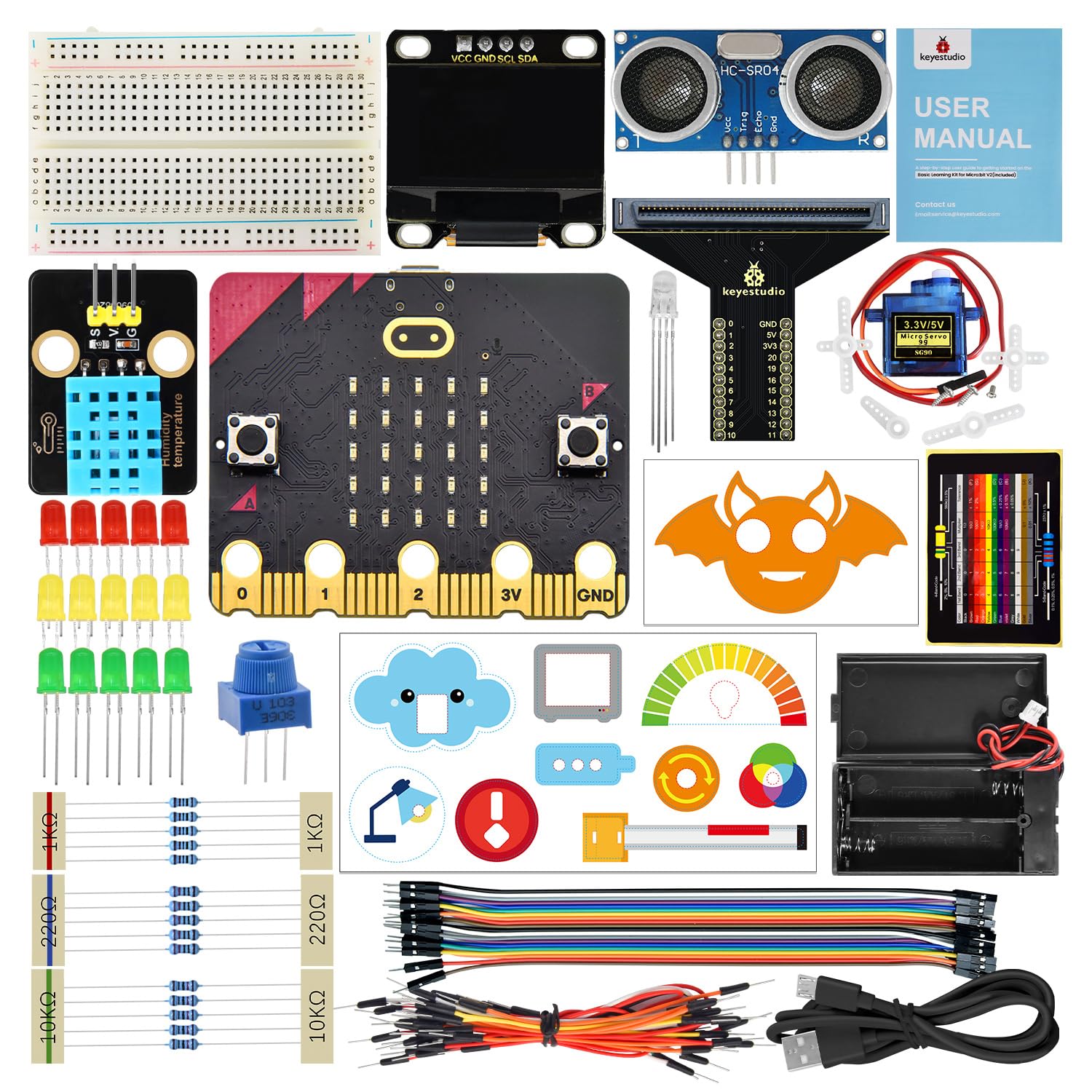
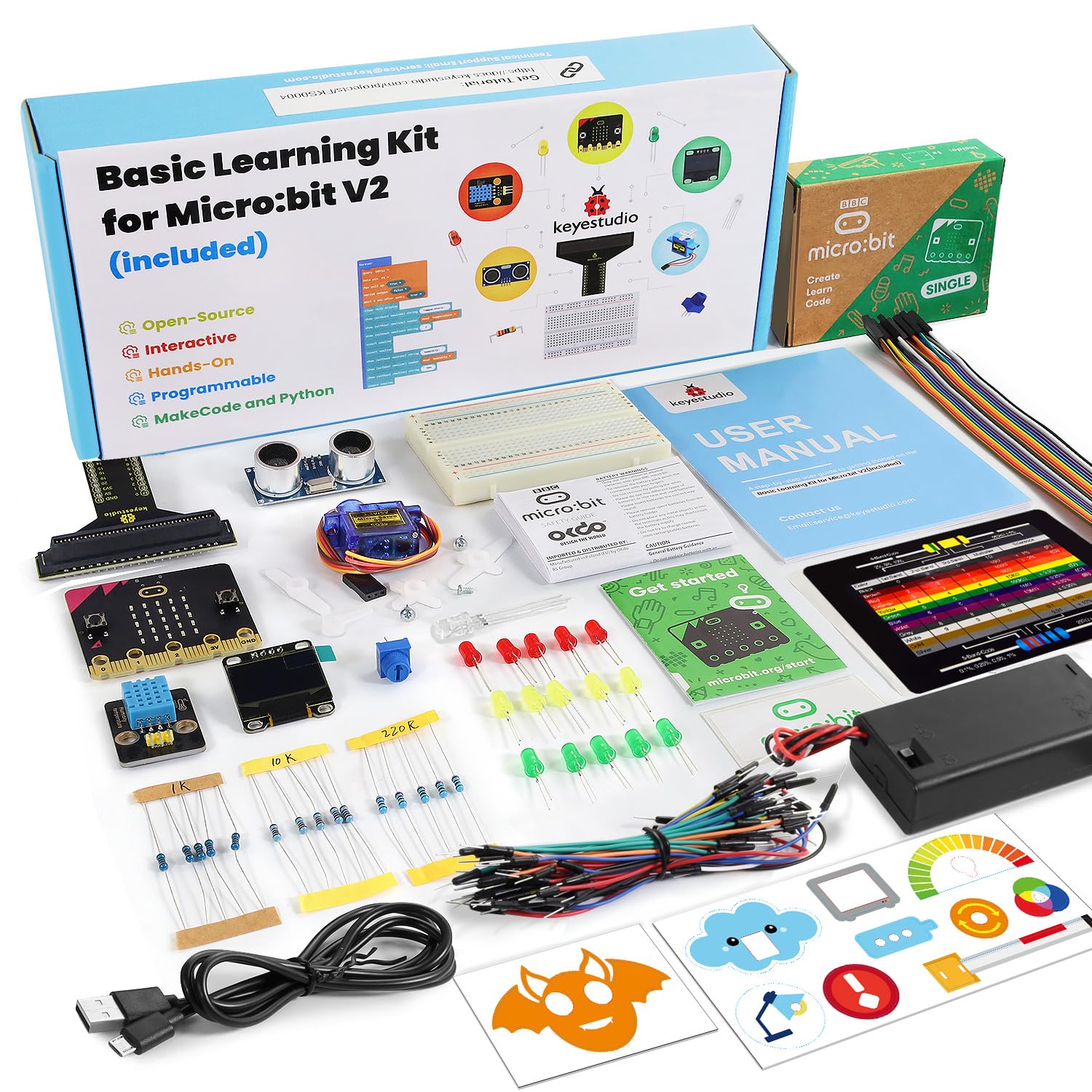
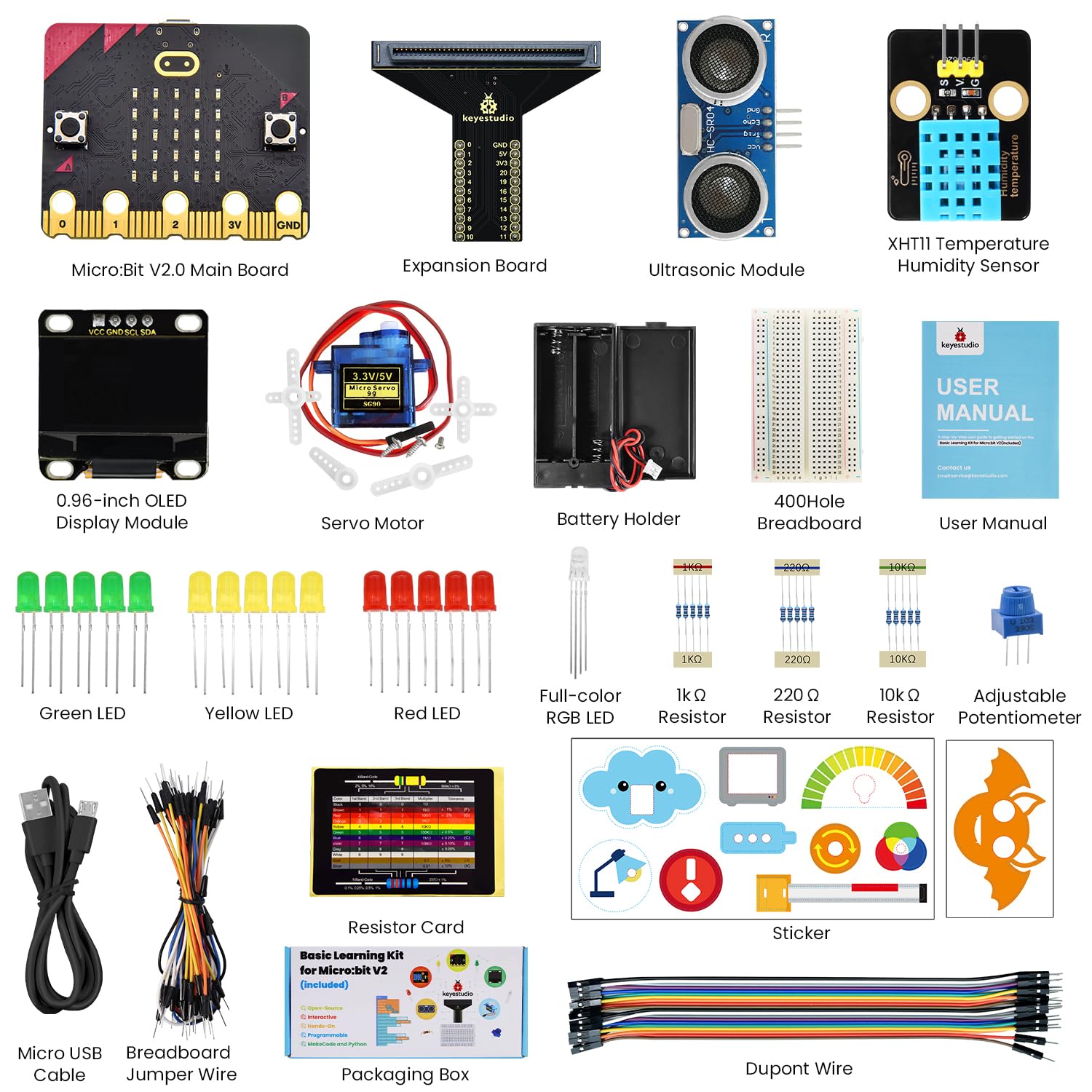
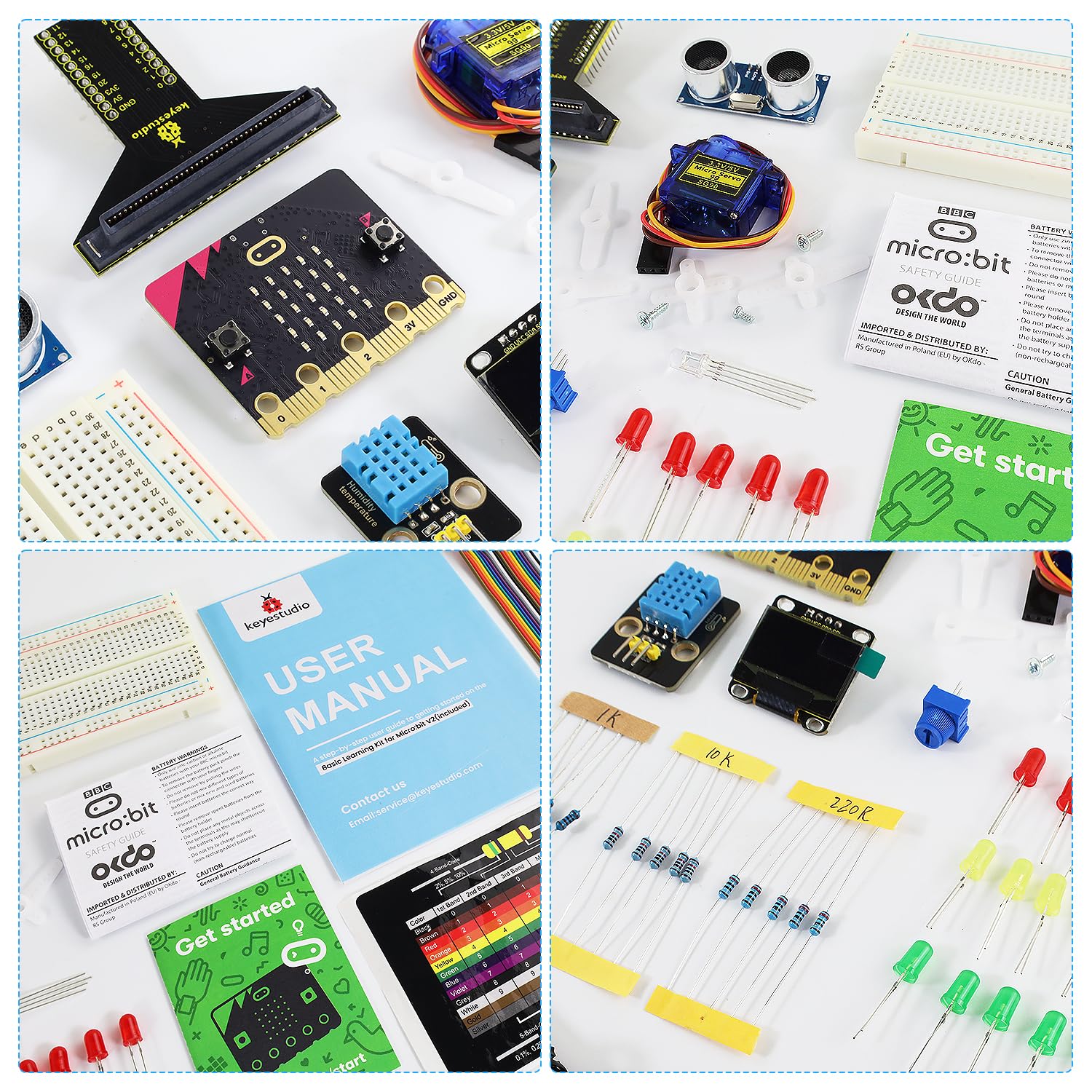
- EVERYTHING YOU NEED IN ONE BOX - Includes micro:bit V2 board, T-type expansion board, OLED display, XHT11 sensor, potentiometer, LED modules, buttons, servo, and all necessary cables. Just connect to a computer and open the online Wiki to start.
Estimated shipping
Select a product to estimate shipping.In addition, you can power the micro:bit board through the white DC port (DC 3V) or micro (DC 5V) on the expansion board.
The expansion board is able to boost or converse the voltage. If it is powered by an external power 3V, it can output 3.3V and 5V voltages.
Dimensions: 64mm x 56mm x 18mm
Weight: 13.1g
In the education market, micro:bit boards are becoming more and more popular. However, it is not easy to test a single micro:bit board with other sensor modules. Hence, we have specially designed this micro:bit T-type expansion board.
Micro:bit T-type expansion board splits all the IO ports on the board into pins with a spacing of 2.54mm (GND, 5V, 3V3, Signal), which is very convenient to connect with other sensor modules and electronic components.
Input voltage: white DC port (DC 3V) or micro (DC 5V)
Output voltage: 3.3V or 5V
The IO ports of micro:bit is divided into pins with a spacing of 2.54mm
The Easy Way to Start Your Electronics & Programming Journey
The FKS0004 Micro:bit Basic Learning Kit is an entry-level electronics and programming educational kit designed for beginners, including primary school students, secondary school students, teachers, and hobbyists. This kit helps you learn the fundamentals of coding, electronics, and logical thinking through hands-on projects. It is built around the BBC Micro:bit V2 and a custom T-type expansion board that makes wiring simple and safe.
There is no soldering required. All modules connect to the expansion board using standard 3-pin jumper wires with anti-reverse design. The kit includes 8 carefully designed projects, each with two versions of tutorials: one for Microsoft MakeCode (graphical, block-based programming) and one for MicroPython (text-based programming). This means you can start with simple drag-and-drop coding and gradually move to professional text coding.
The official online wiki provides detailed instructions, Wiring diagrams, code explanations, and troubleshooting for every project. Whether you are learning at home, teaching in a classroom, or running an after-school coding club, this kit gives you everything you need to succeed.
On the OLED, the smart environment monitoring system displays the temperature and humidity values detected by the DHT11 sensor in real time, as well as the brightness level value of ambient light detected by the on-board light sensor.
The OLED displays the distance between the ultrasonic sensor and the obstacle in real time. When the distance value is less than 10cm, the speaker on micro:bit board alarms.
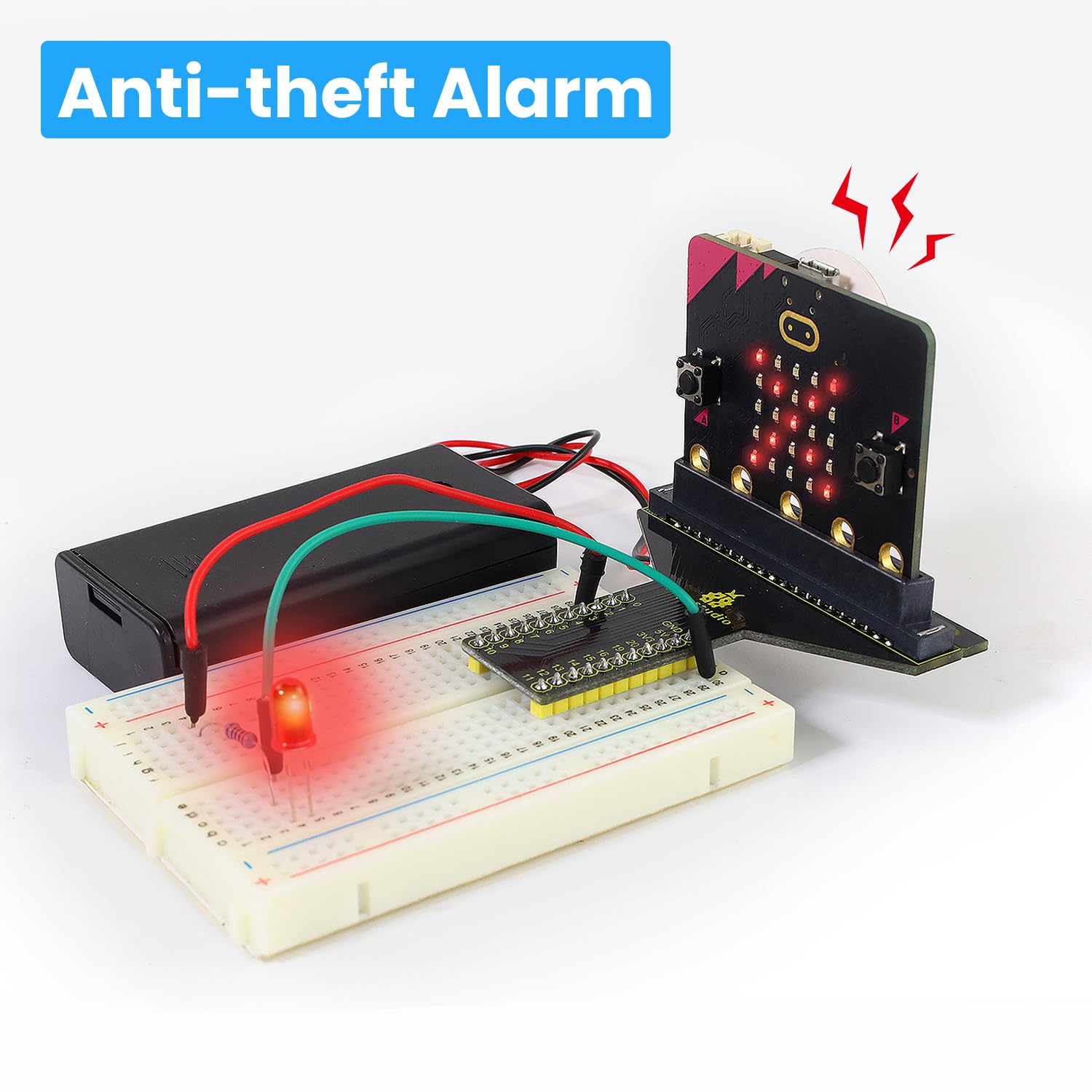
When the smart anti-theft alarm detects that the anti-theft box has been moved, the speaker on the micro:bit board will alarm and the red LED will flash.
We combine an adjustable potentiometer, a servo and a beautiful dial card to make a simple car dial model.
When we clap our hands, the microphone on the board picks up sound signals, and the speaker plays a cheerful birthday song while the RGB LED emits dazzling light.
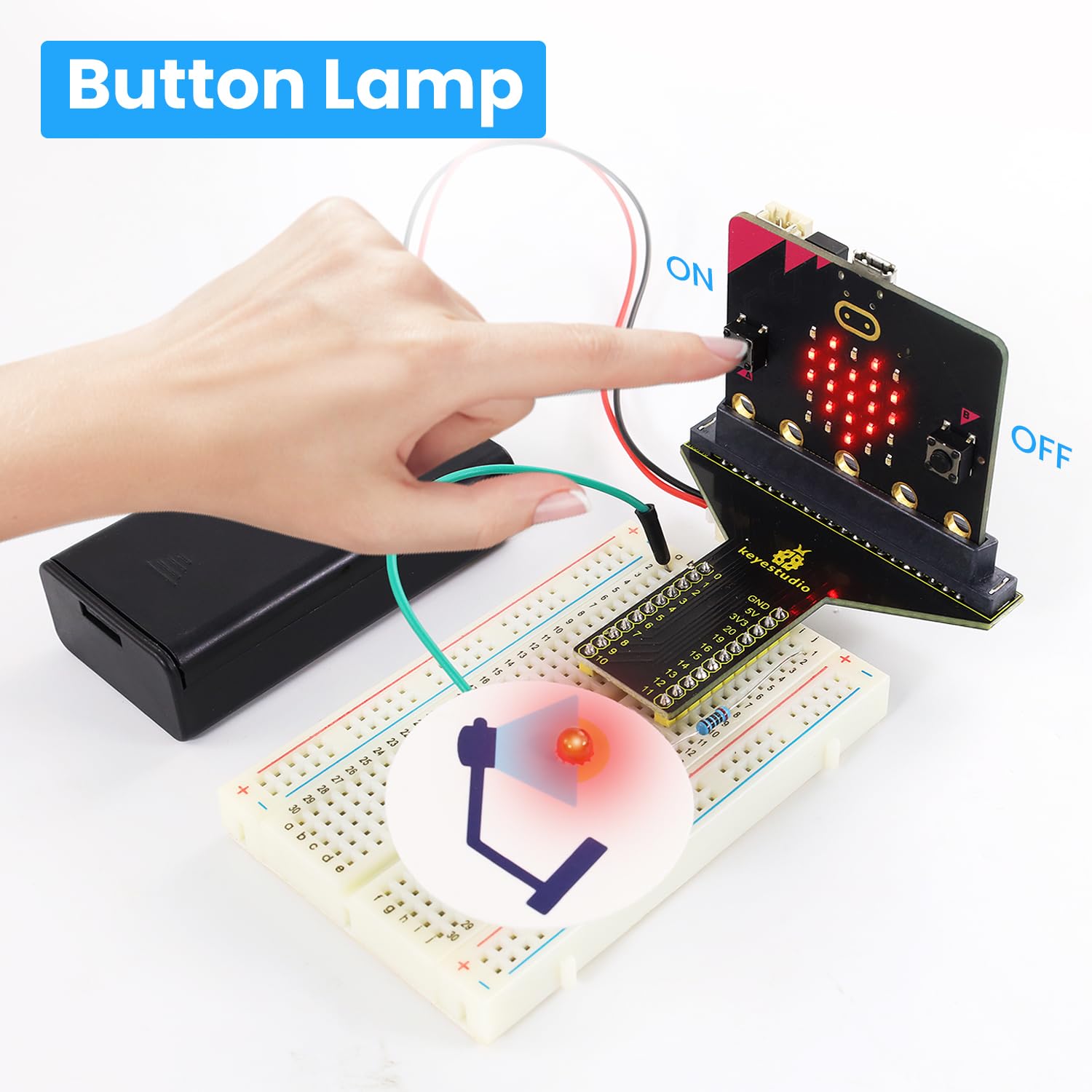
There are two programmable buttons on the front of the micro:bit board (A and B). We combine them with a red LED and a lamp card to build a small desk lamp. When the button A is pressed, the red LED lights up; when B is pressed, it goes off.
Adopt three LEDs( red, yellow and green), a speaker on micro:bit board and 5x5 LED matrix to make a model of traffic lights.
Use ultrasonic sensor to detect if there are vehicles ahead. When a vehicle (or thing) is detected approaching, we control servo to raise the lift rod; If it is detected to be moving away, the servo will lower the lift rod.
Who Is This Kit For?
For Students If you have never written a line of code in your life, don't worry. The MakeCode graphical interface lets you build programs by dragging and dropping blocks, like digital LEGO. The first project only requires you to turn on an LED with a button – you will succeed within 10 minutes.
For Teachers You can use this kit to teach Grade 3 to Grade 9 computing, design and technology, or STEM classes. The dual-language tutorials (MakeCode + MicroPython) allow you to teach the same class of mixed-ability students. The online wiki is also a great resource for students to review at home.
For Parents / Homeschooling The kit includes a clear, step-by-step guide. You don't need any engineering background to help your child. Everything is designed to be "plug-and-learn".
For Hobbyists / Makers This kit gives you a very fast way to prototype simple ideas. The T-type expansion board is breadboard-friendly, so you can add your own sensors later.
Q1: Does the kit include a Micro:bit board? A: The standard FKS0004 package include the Micro:bit V2.
Q2: Can I use Micro:bit V1 with this kit? A: Yes, fully compatible. However, Micro:bit V1 has less memory and no built-in speaker/microphone, but all projects will work fine.
Q3: Do I need to install any drivers? A: On Windows 10/11, the Micro:bit appears as a USB drive – no driver needed. On older Windows versions, you may need to install a serial driver (the wiki provides the link).
Q4: Can I use this kit without a computer? A: You need a computer to write and upload code. After uploading, the kit can run on battery power without a computer.
Q5: Is there a printed manual in the box? A: No. To keep the cost low and updates easy, all tutorials are online. The wiki link is provided on a card inside the box.
Q6: What if I break a module? A: The modules are robust but not indestructible. Contact keyestudio support for replacement options.
Product details


| Main Specification | |
|---|---|
| Teknologi Konektivitas | Bluetooth or Gravity connectors |
| Manufaktur | Shenzhen KEYES DIY Robot Co.,Ltd |
| Brand | Keyestudio |
| Jumlah Objek | 1 |
| Kapasitas Penyimpanan Memori | 256 bytes |
| Nama Model | Micro:bit |
| Model CPU | ARMv7 |
| Product information | |
| Sistem Operasi | Zephyr with Python support |
| Total Port USB | 1 |
| Others | |
| Tipe Produk | Komputer Papan Tunggal |
| Bangun Dalam Media | microbit stater kit |
| Nomor Bagian Mfr | FKS0004=US |
| BuiltIn Media | microbit stater kit |
| Kompabilitas Nirkabel | Bluetooth |
| Cacah Prosesor | 1 |
| Prosesor Brand | ARM |