




GHome Smart Plug, WiFi Smart Plugs that Work with Alexa and Home
13 sold in last 24 hours
- Stability Upgrade Quick Connection:Supports Bluetooth or WiFi connection.The improved WiFi technology let you quick connection and stay stable,no disconnection worries. Please keep the smart plug connected to your stable 2.4GHz network.(Note: Only 2.4Ghz WiFi)
- Hand-Free Voice Control:Smart plugs that work with Alexa and Googel Assistant. Just give a simple voice command to Alexa or Assistant to control your connected home devices. Enjoy the joy of smart home devices.
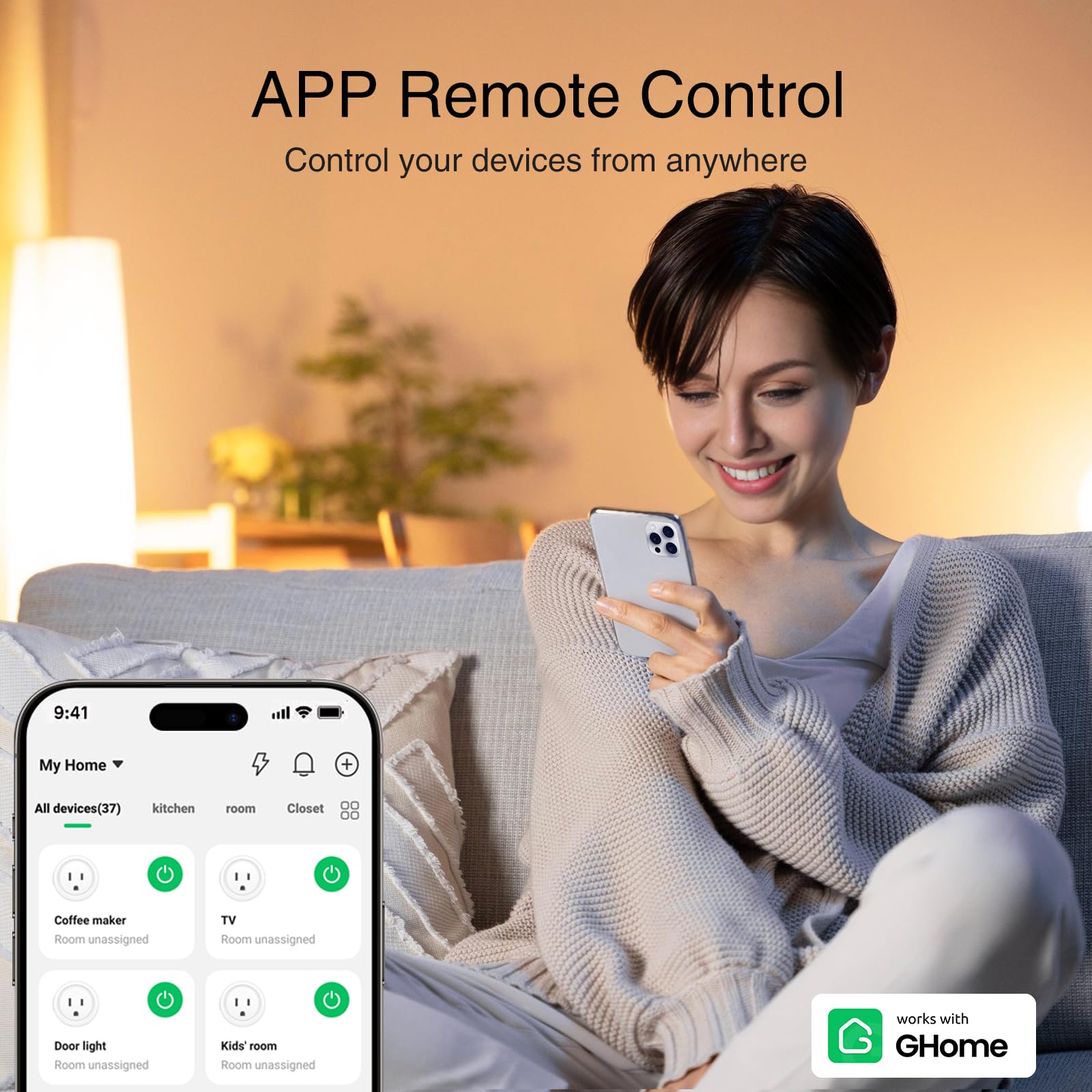
- APP Remote Control From Anywhere:You also can control your outlet timers anywhere anytime via the APP directly when you are away. Monitor and control connected electrical equipment in your home.The smart outlet plug compatible with GHome APP, Smart Life App and Tuya App.
- Schedules and Timer Function:Easy to set timers and add schedules to connected smart home devices circularly or randomly, making them work as scheduled like auto-off and auto-on to save energy and money. Such as lamps, fan, humidifier, Christmas light timers etc.
- Group Control and Sharing:You can set a group for some wifi smart plugs and control connected appliances with one tap. Also you can share your wifi outlet plug by App with your families and enjoy the smart life together.
- Note: To use Alexa and Home, please note that this product cannot be connected directly. You need to connect the product to the network and the GHome App first.
Tags |
Estimated shipping
Select a product to estimate shipping.Would not connect to home?
Please try to confirm the network environment and the stability of the device first.
Tell us the code of the problem product through the backend.
Our technical staff and technicians are online 24 hours a day to solve the problem for you.
Why cannot connect to the Internet?-A
Make sure that the router has the 2.4G band turned on and connect the device to the network in that band. If the management password is incorrect, check whether the entered number contains special symbols.
Why cannot connect to the Internet? -B
Confirm that the router supports the 2.4G frequency band, adjust the AP location away from interference sources (such as operator antennas), and optimize the RF power settings.
Why cannot connect to the Internet? -C
The wireless bandwidth of a single wireless router is limited. For example, a common 300M wireless router cannot connect 50 wireless terminals at the same time. In this case, please restart the router.
Why does the Internet often disconnect?
Some devices may be taking up too much network resources. You can consider blacklisting them to free up network bandwidth for other devices. In addition, upgrading your router may be an effective solution.
Product details


| Main Specification | |
|---|---|
| Control Method | Remote or App or Touch or Voice |
| Specification Met | Etl or Fcc |
| Included Components | Manual or Smart Plug |
| Compatible Devices | Alexa or Google Home |
| Manufacturer | GHome Smart |
| Unit Count | 4 Count |
| Contact Material | Plastic |
| Contact Type | Normally Open |
| Current Rating | 10 A |
| Operating Voltage | 120 Volts |
| Terminal | Spade |
| Circuit Type | 3-Way |
| Actuator Type | Push Button |
| Brand | Ghome Smart |
| UPC | 199284107991 |
| Control Type | Full |
| Number of Items | 4 |
| Operation Mode | On-Off-On |
| Wattage | 1200 Watts |
| Upper Temperature Rating | 1382 °F |
| Colour | White |
| Connector Type | Plug In |
| Mounting Type | Wall Mount |
| Product information | |
| Switch Type | Push Button |
| Technical Details | |
| Part Number | WP3 |
| Model | WP3 |
| Material Type | Plastic |
| International Protection Rating | Ip40 |
| Number of Positions | 1 |
| Connectivity Protocol | Wi-Fi |
| Measurements | |
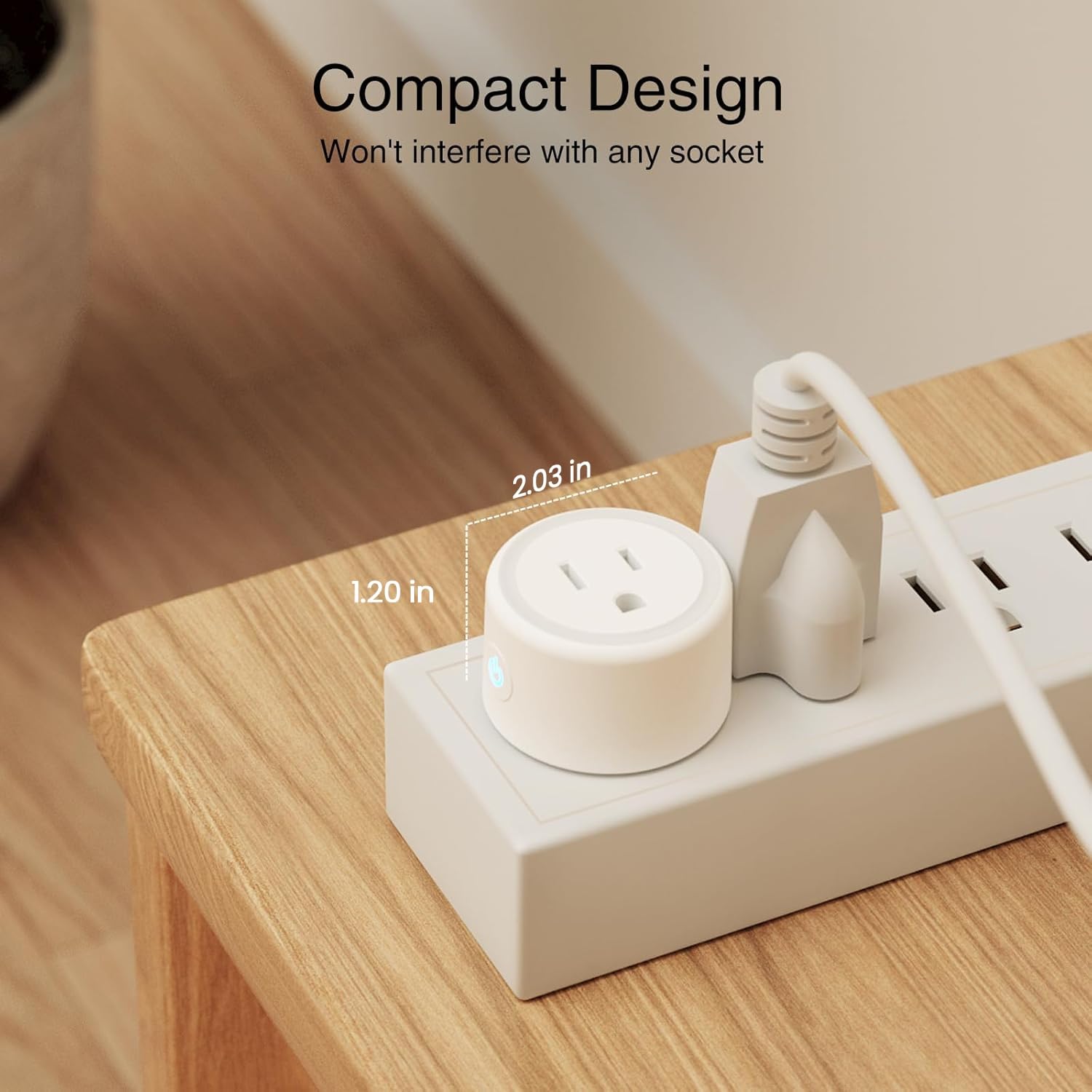
| Item Dimensions | 2.1 x 2.1 x 1.1 inches |
| Others | |
| Product Type | Outlet Switches |